Log Plugin
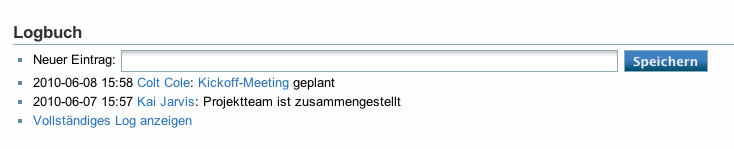 The log plugin implements a simple log facility for individual files. Log entries are stored in a separate log page. A small, configurable number of newest log entries is shown together with a form for creating new entries and a link to the complete log.
Download and Installation
Download and install the plugin using the Plugin Manager using the following URL:
- Unstable development version from the git repository (tgz)
Refer to Plugins on how to install plugins manually.
Usage
To attach a log to a page, just write {{log}} at the location you want the log to appear. A form will be inserted there, and after writing the first log entry, a log page will be created. Optionally, you might specify how much entries from the log should be displayed (at maximum): {{log>10}}. The default is 5.
Configuration
The plugin adds options to the config manager where you can:
- Specify the ID of a log page, more specifically: The part that is attached to the page ID to get its log page ID
- A printf string specifying how to construct a link to a user page for a given user; only useful if you have pages for your users